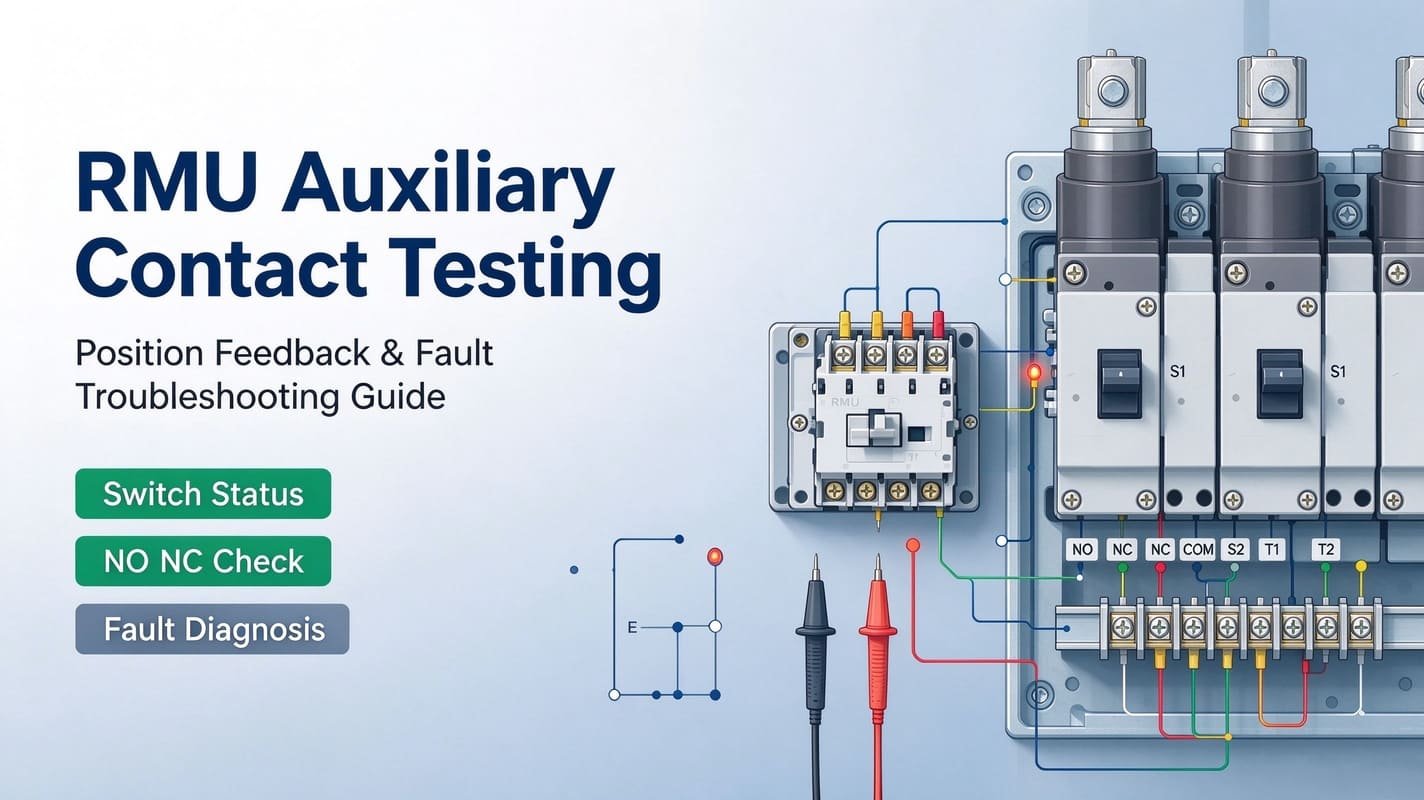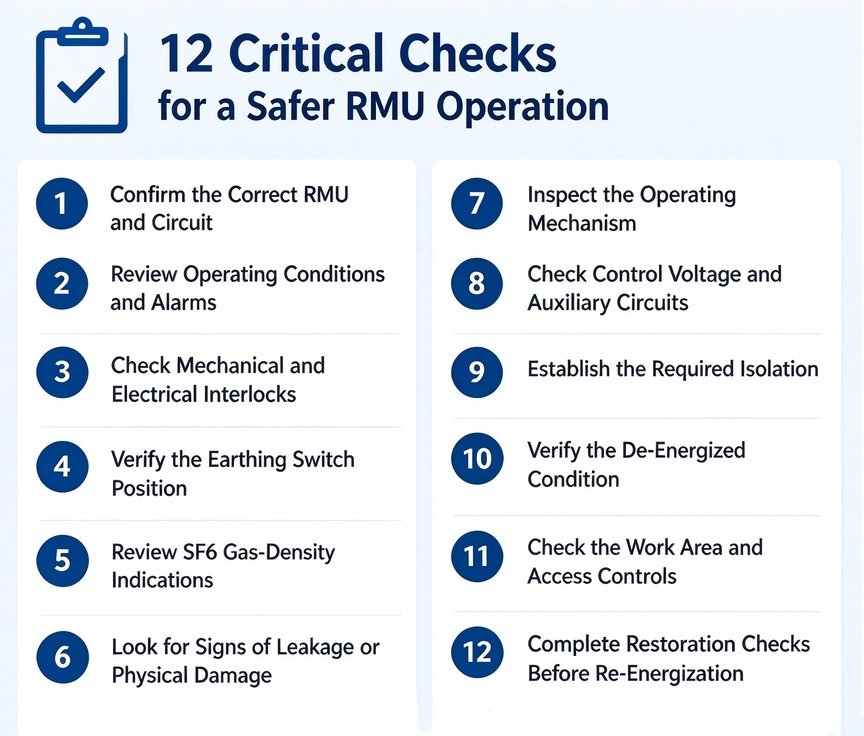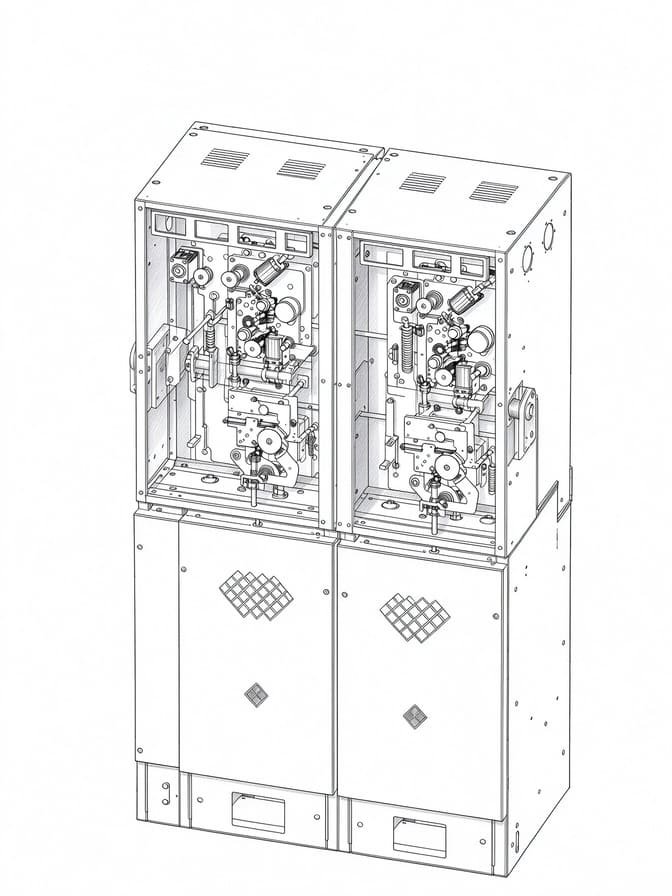

When an SM6-36 switchgear cubicle fails to operate as expected, immediate component replacement is rarely the correct fix. Switching faults may stem from interlock lockout, incorrect operating sequence, control circuit defects, installation errors or mechanical damage.
For engineers working on medium-voltage distribution equipment, reliable SM6-36 troubleshooting starts with the observed symptom, followed by step-by-step diagnostic checks. This practical guide covers installation commissioning issues, voltage indication faults, earthing switches, disconnectors, interlocks, circuit breaker operation, motorized mechanisms and SF₆ alarms.
This article is not a substitute for the official installation manual. It delivers a field-focused diagnostic framework to help commissioning and maintenance teams locate root causes before adjusting, repairing or ordering spare parts. The diagnostic logic also applies for SM6-24 ring main units, with minor differences in rated voltage and cubicle configuration.
SM6-36 Troubleshooting: Start With the Symptom
The fastest diagnostic method is to record equipment behaviour before making any changes. Common symptoms include:
- Voltage indicator not illuminated
- Earthing switch cannot operate
- Disconnector fails to reach target position
- Switch refuses opening or closing
- Front access panel locked
- Motorized mechanism no response
- Manual operation works but electrical operation fails
- Interlock blocks operation
- Fault appears right after installation
- SF6 density alarm triggered
- Stiff operating mechanism
- Failed pre-energization inspection
Standard diagnostic sequence: Symptom → Operating position → Interlock → Control circuit → Mechanical mechanism → Component This rule avoids the common onsite mistake of replacing intact parts before confirming the real source of failure.
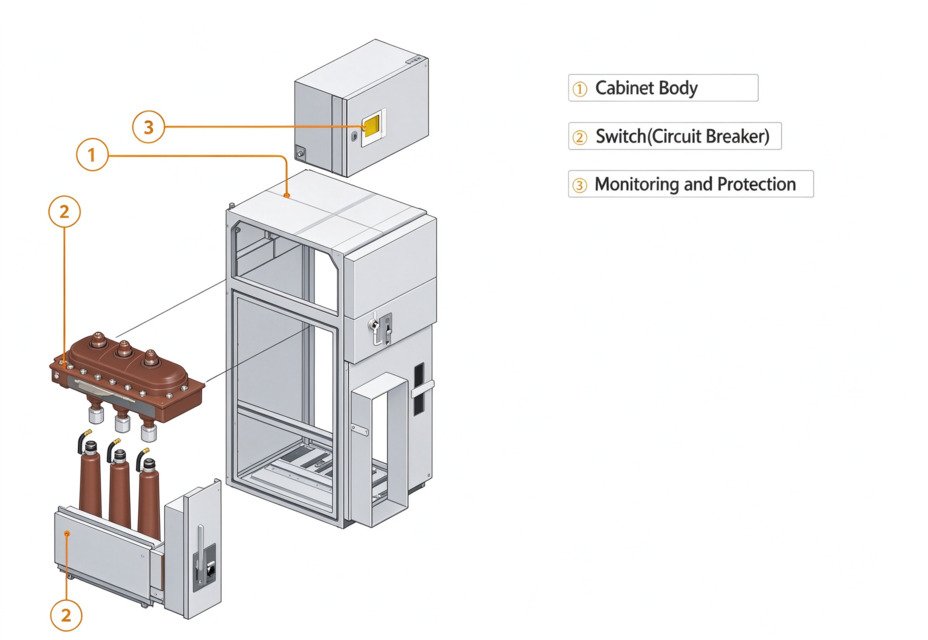
SM6-36 Troubleshooting Quick Reference
| Observed symptom | First check | Possible fault area |
|---|---|---|
| Voltage indicator is dark | Voltage indication circuit | Indicator, wiring or associated circuit |
| Earthing switch cannot operate | Switching position | Mechanical/electrical interlock |
| Disconnector cannot move | Interlock and position | Operating sequence or mechanism |
| Switch cannot be operated | Operating sequence | Interlock or mechanism |
| Motorized operation fails | Control voltage | Fuse, wiring, relay, command circuit |
| Manual operation works but electrical operation fails | Control circuit | Control voltage or auxiliary circuit |
| SF6 alarm appears | Density monitoring system | Density device, gas condition or leakage |
| Mechanism is unusually stiff | Mechanical travel | Obstruction, wear or misalignment |
| Fault occurs after installation | Commissioning checks | Assembly, wiring or interlock |
| Position feedback is incorrect | Auxiliary contacts | Feedback circuit or adjustment |
This symptom-led workflow is especially valuable for older cubicles with years of component wear.
SM6-36 Installation Problems and Commissioning Checks
Many SM6-36 defects only surface during the first operation after installation. When a fault appears immediately after assembly, do not jump to the conclusion that the switchgear or mechanism itself is defective. Always review installation and commissioning steps first.
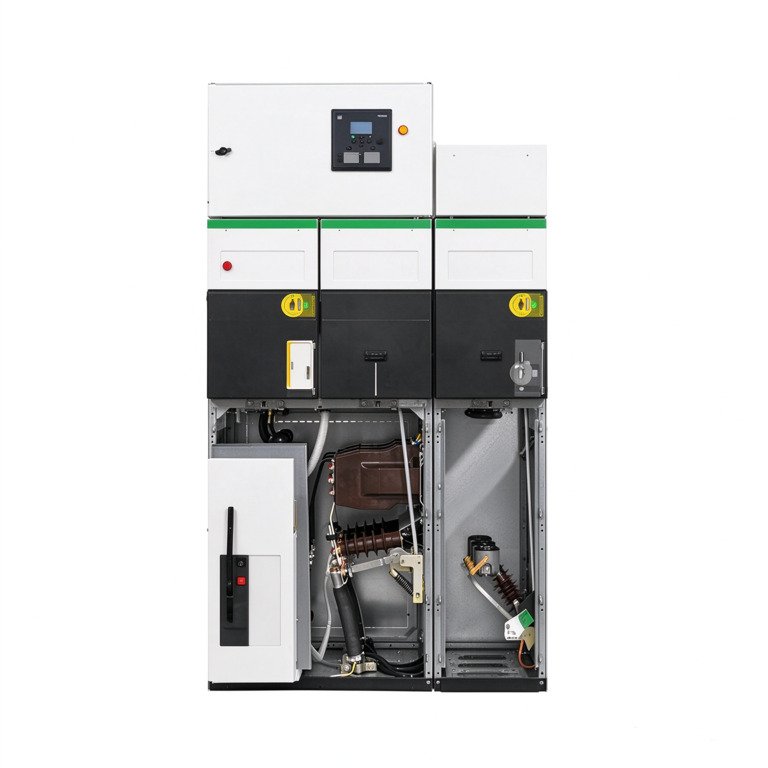
Check mechanical installation
- Cubicle positioning and fixing
- Correct panel and cover fitting
- Operating mechanism mounting
- Operating shaft and linkage condition
- Earthing connections
- Proper assembly of switching components
Check electrical installation
- Power connections and cable terminations
- Auxiliary wiring and control circuit connections
- Protection and indication circuits
- Control voltage
- Earthing continuity
Check operating sequence before energization
- Switch positions match the intended operating state
- Earthing switch functions correctly
- Mechanical interlocks operate as designed
- Access panels lock/unlock according to switching status
- Motorized functions respond properly
- Position indication matches actual equipment status
Schneider provides separate documentation for operation/maintenance and commissioning work. Installation faults should be treated as commissioning tasks rather than routine maintenance work.
SM6-36 Voltage Indicator Troubleshooting
A dark voltage indicator does not automatically confirm the feeder is de-energized. First verify electrical status following approved site safety procedures. After safe isolation if required, inspect the indication circuit.
Potential fault sources:
- Voltage presence condition
- Faulty indicator unit
- Damaged wiring or connectors
- Blown fuses or protective components
- Defective voltage-detection circuit
Distinguish clearly between two scenarios: No voltage present, or voltage present while the indicator system fails. Never rely solely on a defective voltage indicator to confirm an MV circuit is dead. Suggested image Alt: SM6-36 voltage indicator troubleshooting on medium voltage switchgear
SM6 Earthing Switch Problem: What Should Be Checked?
Earthing switch failures are mostly caused by incorrect switching sequences or interlock activation. When the earthing switch cannot be operated, verify these points first:
- Main switching device position
- Disconnector status
- Electrical interlock status
- Engaged mechanical interlock
- Operating handle seating
- Visible mechanical damage
The mechanism intentionally locks if the switching sequence violates safety rules. If all preconditions are met yet the earthing switch remains stuck, inspect the operating shaft, linkage and interlock assembly per official equipment procedures.
Do not force an interlocked mechanism. Extra force may permanently damage parts or create severe safety hazards. Recommended workflow: Stop → verify position → check interlock → isolate if needed → inspect mechanism
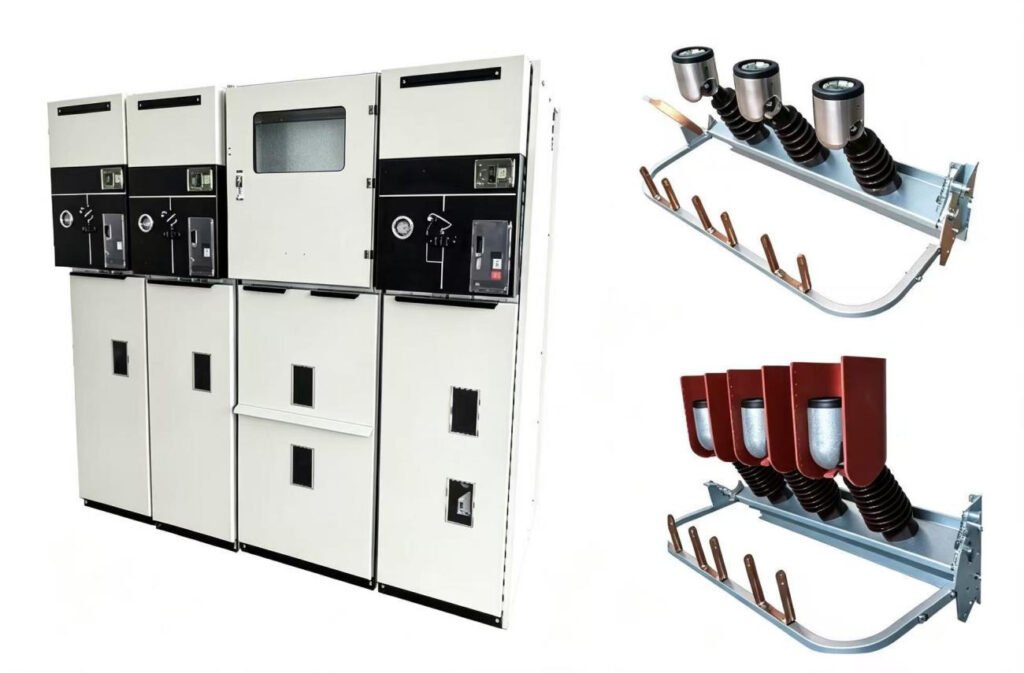
SM6 Disconnector and Switching Problems
Disconnector failure usually falls into one of four categories: wrong operating sequence, active interlock, mechanical obstruction or damaged linkage/shaft. The same symptom may have entirely different root causes based on cubicle type.
A simple diagnostic question helps narrow issues: Does the mechanism refuse movement entirely, or can it move but cannot finish the switching cycle? This distinction eliminates unnecessary spare part replacement.
SM6 Interlock Troubleshooting
Interlocks exist to prevent unsafe switching sequences; a blocked operation often means the cabinet works as designed. Before dismantling mechanical parts, inspect:
- Switch, disconnector and earthing-switch positions
- Circuit-breaker condition (where fitted)
- Access-panel latching status
- Key interlock
- Electrical interlock
- Local/remote control status for motorized units
Diagnostic logic: Requested operation → interlock active → identify unmet safety condition → restore correct sequence → repeat approved operation. Never bypass interlocks just to test movement. If interlock stays active despite all conditions satisfied, inspect auxiliary contacts, interlock linkage and related control wiring.
SM6 Circuit Breaker Operation Problems
For SM6 circuit-breaker cubicles, failure to open or close needs separate checks on electrical and mechanical sides.
Electrical checks:
- Control supply availability
- Valid operation command
- Active protection or lockout
- Functional auxiliary contacts
- Proper control circuit wiring
Mechanical checks:
- Operating mechanism readiness
- Energy storage state
- Abnormal mechanical resistance
- Signs of physical damage
If the electrical command is present but no movement occurs, isolate whether the fault sits in the control circuit or mechanical assembly. Replacing the whole circuit breaker will not resolve faults in auxiliary or control circuits.
SM6 Motorized Mechanism Not Working
Do not replace the motor immediately when motorized operation fails. Follow this sequence:
- Verify control voltage reaches terminals as per schematic drawings
- Inspect fuses and protective components; investigate root causes if fuses repeatedly blow
- Trace command circuit: Command → relay/contact → wiring → mechanism. Failed relays or loose terminals mimic motor failure symptoms.
- Check interlocks: An active interlock blocks motor command even if the motor itself is healthy
- Confirm the motor drive and mechanical transmission after validating the electrical path.
Field case: One site technician replaced a faulty motor twice before discovering the root cause was a corroded auxiliary contact triggering a permanent electrical interlock.
Manual Operation Works but Electrical Operation Fails
If manual switching works normally while electric operation fails, the core mechanical path is likely intact. Focus diagnosis on: Control voltage → fuse → command circuit → interlock → motor/coil → auxiliary feedback
Common causes: Missing control voltage, loose terminals, open circuits, faulty relays, active interlock, defective auxiliary contacts, limit-switch faults or burned motor coils. For retrofits, confirm control voltage, AC/DC type, auxiliary contact layout and mounting dimensions before ordering replacement mechanisms.
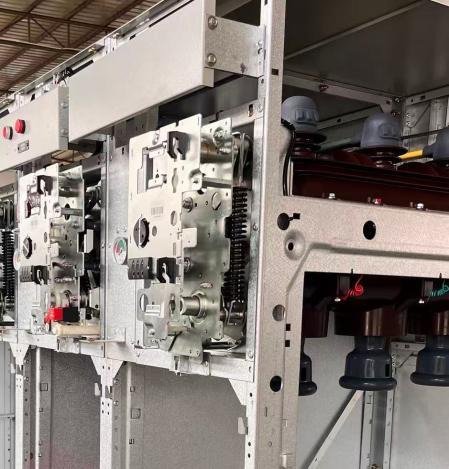
SM6 SF6 Density Alarm Troubleshooting
An SF₆ density alarm is not direct proof of gas leakage. Investigation should review the density monitoring device, alarm contacts, gas condition, ambient temperature and secondary wiring.
Field case: Multiple sites in cold regions triggered SF6 low-density alarms in winter. After inspection, no gas loss was found; low ambient temperature reduced gas density and activated the relay.
Do not top up gas simply because an alarm appears. Complete diagnostics following official service procedures. For recurring alarms, refer to our dedicated SF6 leakage and density relay troubleshooting guides to separate gas-system faults from monitoring circuit faults.
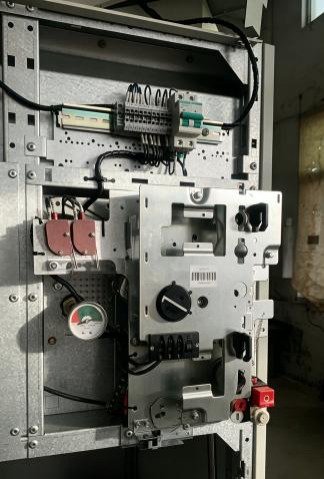
SM6-36 Abnormal Mechanical Operation
Stop repeated operation immediately if the mechanism becomes stiff, noisy or inconsistent. Potential causes: Mechanical obstruction, linkage misalignment, worn components, damaged operating shafts, foreign debris, incorrect assembly or excessive friction.
Gradually rising operating force signals progressive mechanical wear. Do not apply excessive force on the operating handle to overcome resistance. If replacement is required, confirm cubicle function and mechanism configuration before sourcing spare parts.
SM6-36 Pre-Energization Troubleshooting Checklist
This checklist assists commissioning teams to catch defects before energization and does not replace the manufacturer’s official procedure.
Mechanical
- Cubicle correctly installed
- Panels securely fitted
- Operating mechanism fully assembled
- Switch/disconnector travel validated
- Earthing switch tested
- Interlock functions verified
- No abnormal mechanical resistance
Electrical
- Power connections inspected
- Earthing continuity confirmed
- Auxiliary wiring checked
- Control voltage validated
- Protection and indication circuits tested
- Cable termination condition checked
Functional
- Approved switching sequence verified
- Local operation tested
- Motorized operation checked (where fitted)
- Position indication validated
- No abnormal noise or friction
When Should an SM6 Component Be Replaced?
Not all faults require part replacement. Repair or adjustment works for loose terminals, miswired control cables, adjustable auxiliary contacts, incorrect interlock setup, failed indicator units or confirmed control-circuit component faults.
Replacement is recommended when:
- Critical mechanical components are damaged
- Severe mechanism wear exists
- Motor or drive assemblies fail
- Auxiliary parts repeatedly break down
- Monitoring devices lose stable performance
- Original OEM spare parts are unavailable
- Multiple aged components trigger recurring faults
Before ordering compatible SM6 spare parts, provide:
- SM6 cubicle/function type
- Rated voltage
- Nameplate photo and existing component photo
- Part number (if legible)
- Control voltage, AC/DC supply type
- Auxiliary contact layout
- Mounting interface information and electrical schematic (if available) This information drastically reduces the risk of ordering mismatched spare parts.
SM6-36 Switchgear Troubleshooting: 12 Faults at a Glance
| No. | Fault / Symptom | Main Diagnostic Direction |
|---|---|---|
| 1 | Installation problem after assembly | Mechanical and electrical commissioning |
| 2 | Voltage indicator not working | Voltage indication circuit |
| 3 | Earthing switch cannot operate | Switching sequence/interlock |
| 4 | Disconnector cannot move | Position/interlock/mechanism |
| 5 | Switch cannot be operated | Sequence and interlocking |
| 6 | Interlock remains active | Mechanical/electrical interlock |
| 7 | Circuit breaker cannot operate | Control + operating mechanism |
| 8 | Motorized mechanism does not respond | Control voltage/command circuit |
| 9 | Manual operation works, electrical fails | Auxiliary/control circuit |
| 10 | SF6 density alarm | Density monitoring/gas condition |
| 11 | Mechanism becomes stiff or noisy | Mechanical transmission |
| 12 | Pre-energization check fails | Installation/commissioning |
FAQ: SM6-36 Switchgear Troubleshooting
Why is my SM6-36 voltage indicator not working?
First verify the electrical condition using the approved safety procedure. Then investigate the voltage indication system, associated connections and relevant circuit components. A dark indicator should not be used by itself to establish that an MV circuit is de-energized.
Why can’t I operate the SM6 earthing switch?
Check the required switch and disconnector positions first. An active mechanical or electrical interlock may intentionally prevent operation. If the operating sequence is correct, further inspection of the interlock and mechanism may be required.
Why does my SM6 switch work manually but not electrically?
Check mechanical assembly, earthing, power connections, auxiliary wiring, control voltage, operating sequence, interlocks, indication circuits and functional operation before energization. Always use the applicable manufacturer commissioning procedure as the primary reference.
Why is an SM6 interlock preventing operation?
The interlock may block incompatible switching sequences. Check the positions of the switch, disconnector, earthing switch, access panels and related electrical interlocks before disassembling the mechanism.
Does an SM6 SF6 alarm always mean there is a gas leak?
No. A density alarm should be investigated using the appropriate diagnostic procedure. Check the density-monitoring device, alarm contacts, gas condition and possible leakage, and avoid assuming gas loss is the only cause.
How do I choose an SM6-compatible replacement operating mechanism?
Identify the exact cubicle/function, rated voltage, existing mechanism, control voltage, AC/DC arrangement, auxiliary contacts, mounting arrangement and drive interface. Photos of the existing mechanism and switchgear nameplate greatly simplify compatibility validation.
Conclusion
Effective SM6-36 switchgear troubleshooting starts with identifying symptoms instead of immediately replacing components. For most field problems, follow this structured sequence: Symptom → Operating position → Interlock → Control circuit → Mechanical mechanism → Component
This workflow helps resolve faults including stuck switches, blocked earthing switches, unresponsive voltage indicators, failed motorized mechanisms and post-installation defects.
Separate commissioning faults from routine maintenance issues. Complex mechanism overhaul and SF6 gas testing should be treated as dedicated technical topics. For spare part replacement projects, fully confirm the switchgear configuration before selecting compatible components.
Need an SM6-compatible Replacement?
If you are troubleshooting an SM6 mechanism, voltage-indication component, auxiliary contact, SF6 density device or other switchgear accessory, send us the nameplate photo, existing component photo, cubicle/function type and control voltage.
Our engineering team can review your information and recommend suitable compatible replacement or retrofit solutions.